
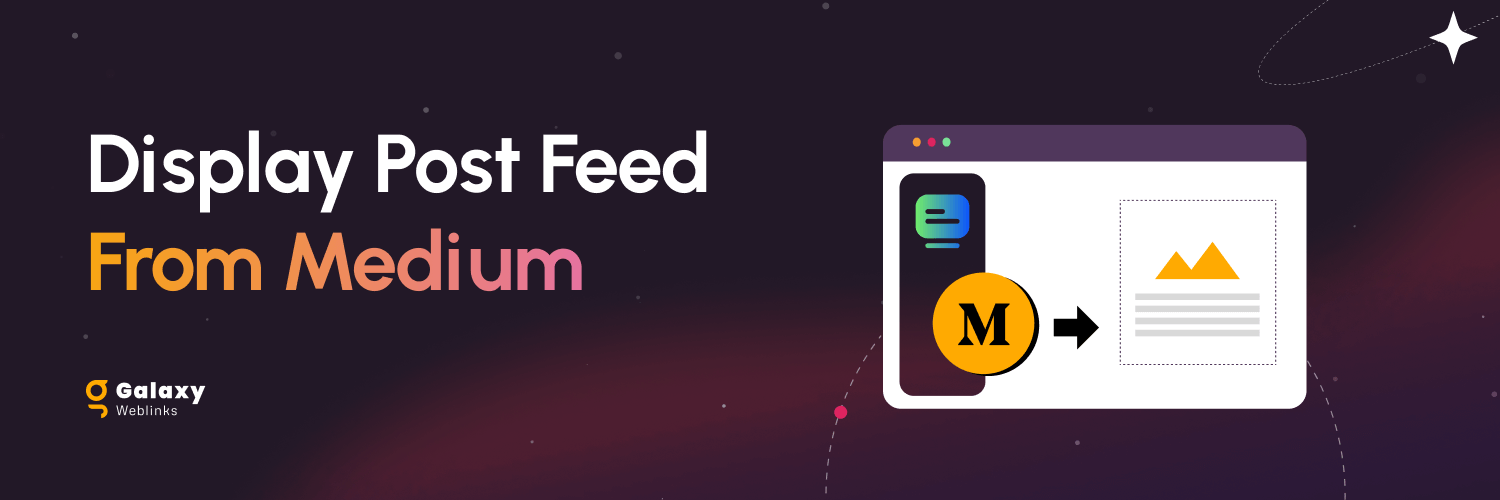
Display Post Feed From Medium

Plugin demo instructions and functionality described how to use the plugin using each functionality please check ahead for the more scroll it to down.

Documentation

Please see the documentation of the “Display Post Feed from Medium” plugin.

Overview

display-post-feed-from-medium

This plugin is ideal for integrating medium third-party API on WordPress website/blog.

In the plugin settings, you can set the additional parameters to show the medium post listing as per your requirement.

Features of the Display Post Feed from Medium plugin:

  • Show posts/articles from the medium.com to WordPress website.
  • Advance options to control listing/grid.
  • Show/hide featured image option.
  • Show/hide content description option.
  • Change read more link text option.
  • Manage post-listing layout.
  • Manage date format.
  • If there is no featured image then we can add a custom placeholder image.
  • To use this plugin on any page/post, add [ show_medium_posts ] shortcode.

For any Feedback and Queries please contact at wpsupport@galaxyweblinks.in

Getting Started

Requirements –

To get the best experience with this Display Post Feed from Medium plugin, we recommend the following:

PHP  7.4 or later
MySQL 5.6 or later

WordPress 4.9 or higher

To be sure about the above requirements, contact your hosting vendor.

Installation & Activation

This content explains how to install the plugin and get it working.

This plugin can be installed directly from your site.

  • Log in and navigate to Plugins  Add New.
  • Type “Display Post Feed from Medium” into the Search and hit Enter.
  • Locate the Display Post Feed from Medium plugin in the list of search results and click Install now.
  • Once installed, click the Activate link.


It can also be installed manually.

  • Download the Display Post Feed from Medium plugin from WordPress.org.
  • Unzip the package and move it to your plugins directory.
  • Login to the WordPress and navigate to the Plugins screen.
  • Locate the Display Post Feed from Medium in the list and click the Activate link.

Settings

Backend Settings :

Screenshot From 2024 01 04 20 46 42

Reviews Display Post Feed from Medium

We hope you enjoy using the Display Post Feed from Medium. Please note that we are always trying to improve it.

Add Review

Thanks so much in advance!

FAQs

Q. How to use the Display Post Feed from Medium plugin?

Ans. In the plugin settings, you can manage additional medium post listing settings pages.

ex: wp-admin > Display Post Feed from Medium

Q. How we can customize the medium post listings?

Ans. You can set the parameters from the Display Post Feed from Medium page as per requirement. Like as hiding the description, hiding the image, setting the default image, etc.

Q. How can we display it on any page/post?
Ans. You just need to put the shortcode: [show_medium_posts] on the page/post.
Q. What is the required parameter to display the medium post?
Ans. The required parameter is a medium handle name. Please use the user’s medium handle without @ sign. Like as “galaxy-ux-studio”.
Q. Does the new medium post synchronization automatically?
Ans. Yes, This will be synchronized automatically on the website.